
Features
Everything a lettings and management team does in a month
Every feature on this page is in Let IT today, and every screen is from the live demo.
Rent and money
A rent run you can trust
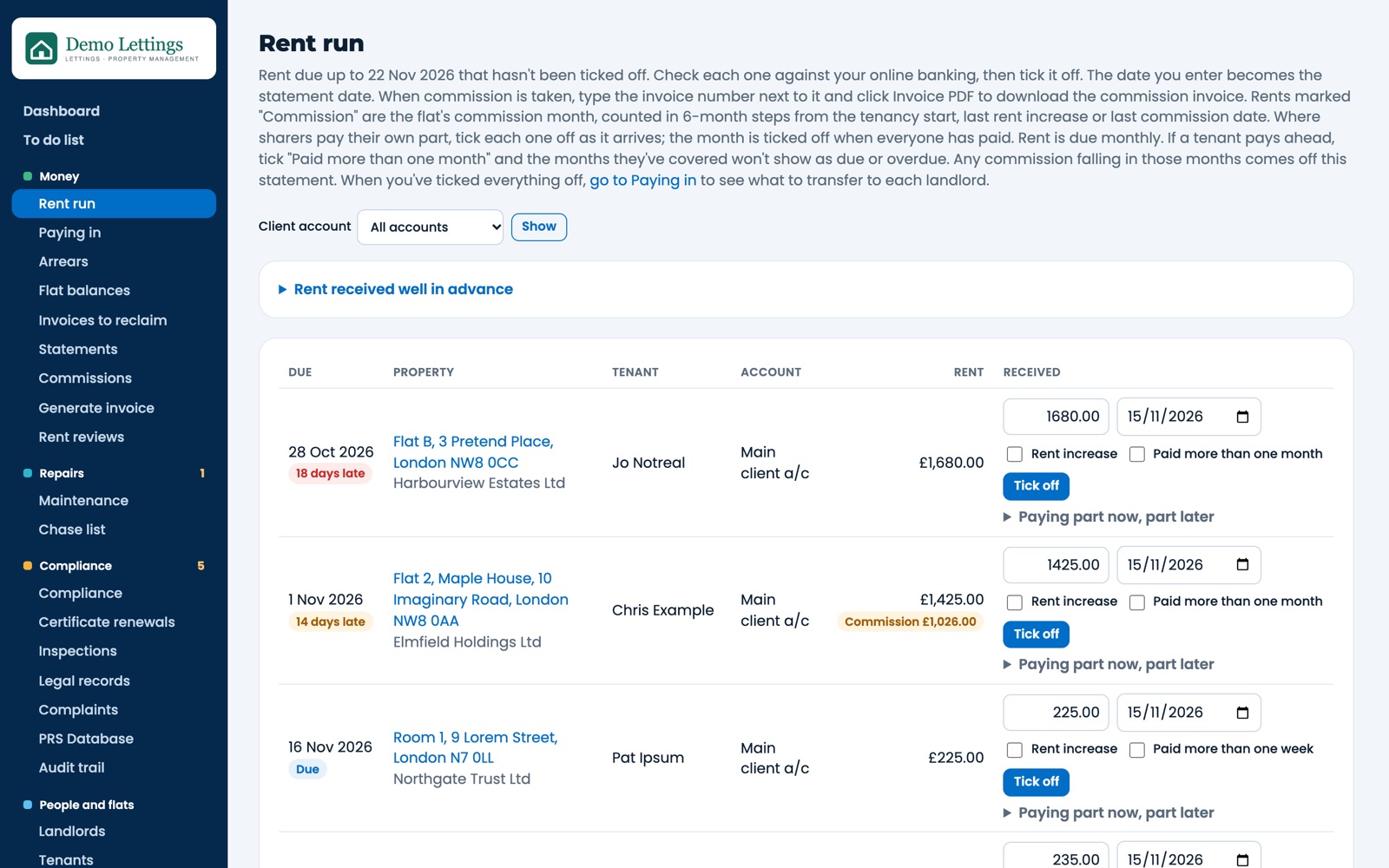
Every rent due appears oldest first, with how many days late it is and which client account it should land in. Check it against the bank and tick it off: the date you enter becomes the statement date.
- Monthly and weekly rents, part payments, and rent paid months ahead
- Sharers who each pay their own part, ticked off one by one
- Arrears by age, and a balance for every property
- Rent reminder emails to tenants, each showing only what they owe
- Pro-rata rent when a due day moves
- Several client accounts, with what you hold for landlords always shown
Landlords
Statements, payouts and commission, worked out for you
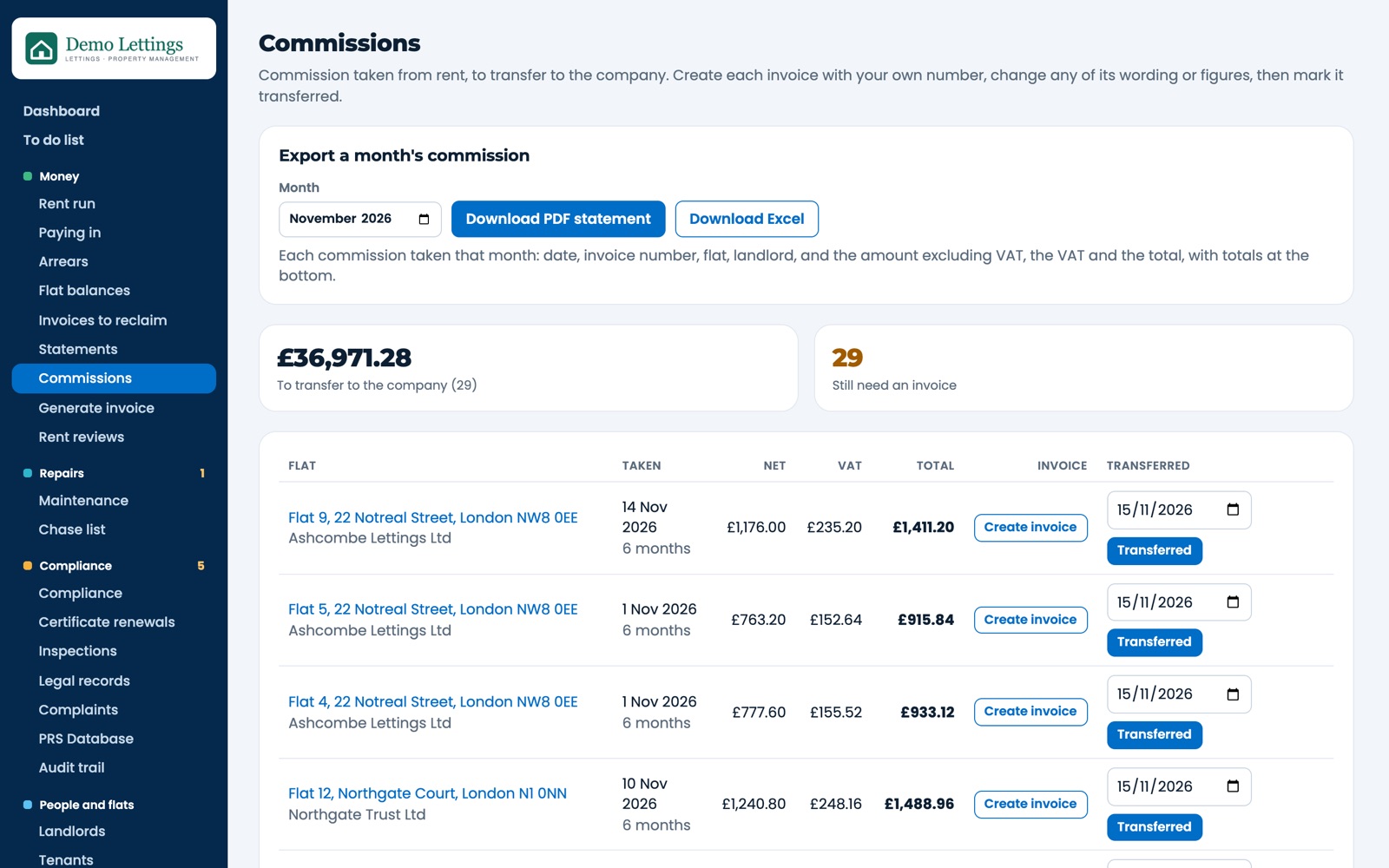
Once rent is in, Let IT works out what each landlord is owed after your commission and any bills, tells you what to transfer, and produces the statement.
- Monthly statements, annual statements for the tax year, or a statement for any dates you choose, as PDFs on your headed paper
- Commission as a percentage or a fixed fee, with or without VAT, over the months you set
- Commission invoices with your invoice numbers
- Repair invoices deducted from rent, held for a later month, or reclaimed separately, with what the landlord owes you back shown on their statement
- Money kept back from a landlord for planned works, held until you release it
- Your own commission tracked month by month against last year, and exported to Excel or PDF
Maintenance
Every job, from report to paid
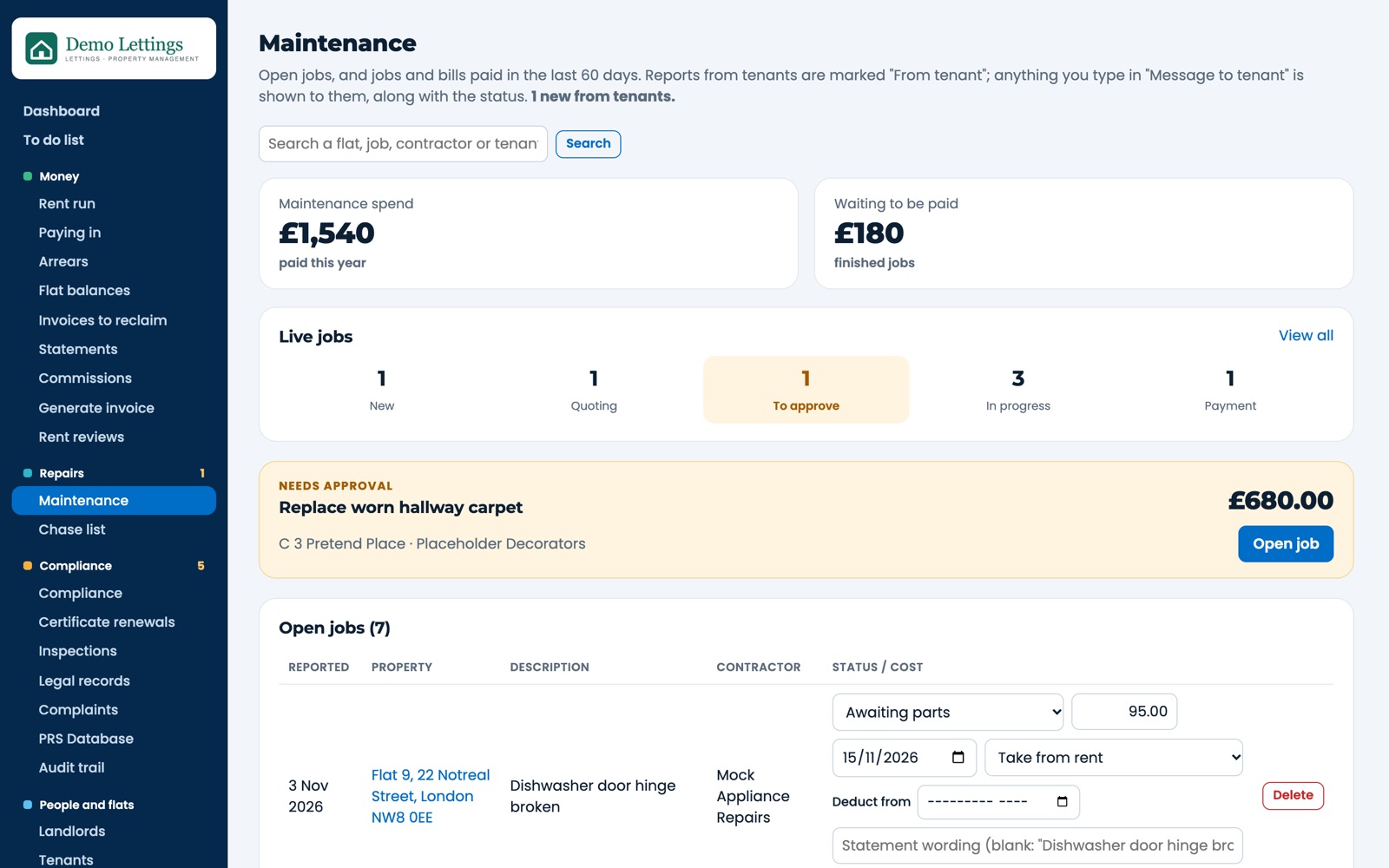
Each job moves through clear stages: reported, quoting, waiting for the landlord, booked, access, parts, done and paid. Nothing waits silently.
- Tenants report problems online, with photos
- Landlord approval before work goes ahead
- Contractor, cost and VAT recorded on each job
- A chase list for jobs that keep slipping, with every call and email logged
Compliance
See what's due before it lapses
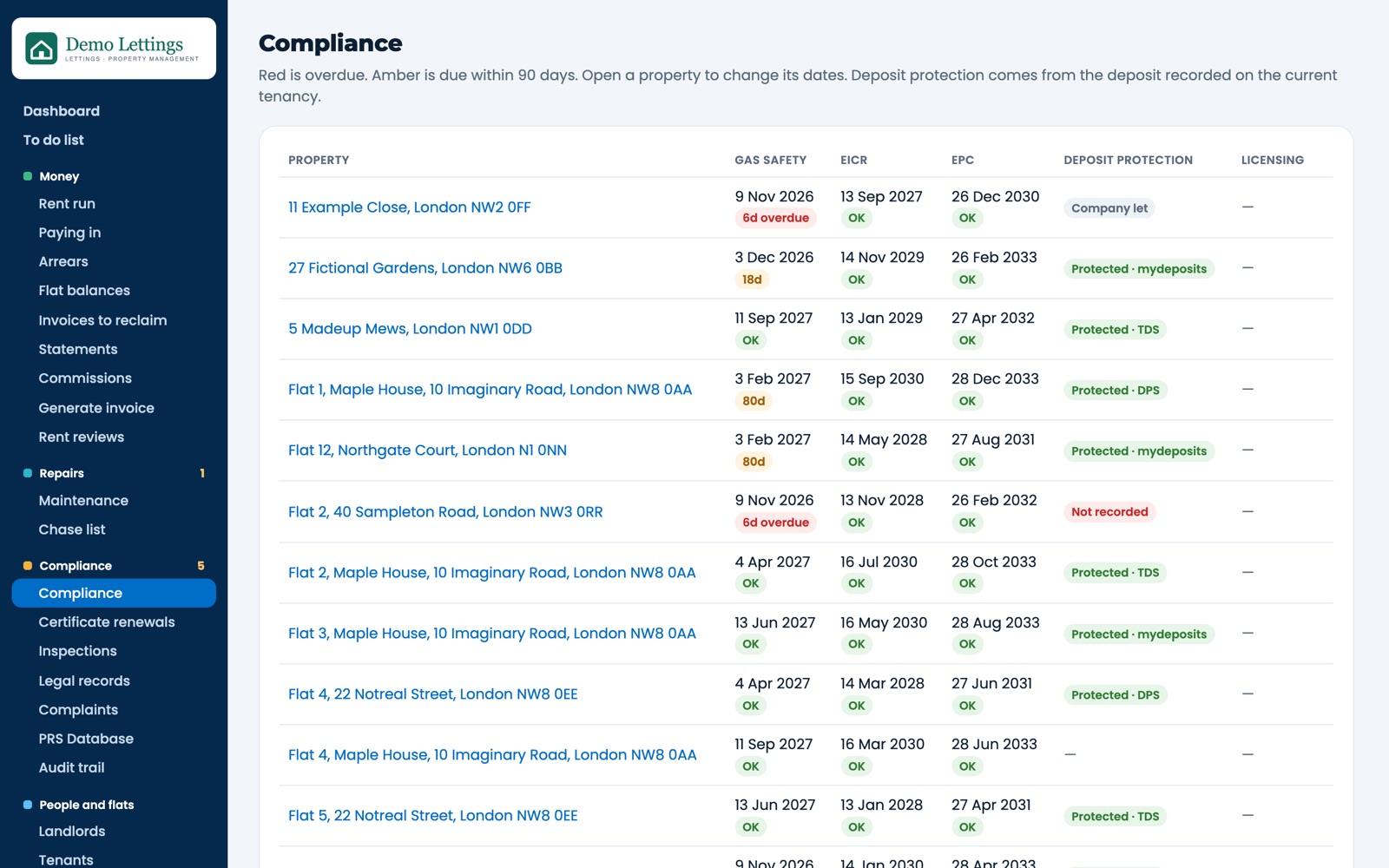
Every property's certificates in one table, turning amber and then red as they come due. Staff are emailed at 90, 60 and 30 days before anything expires.
- Gas safety, EICR, EPC and licensing dates
- EPC ratings and expiry dates looked up on the government's EPC register, and saved only once you've checked them
- Deposit protection read from each tenancy, including company lets and deposits held by others
- Certificate renewals booked from one list
- Right to Rent status per tenant, with follow-up checks
- Inspections, legal notices, complaints and PRS registration status
Tenancies and properties
Every property on one page
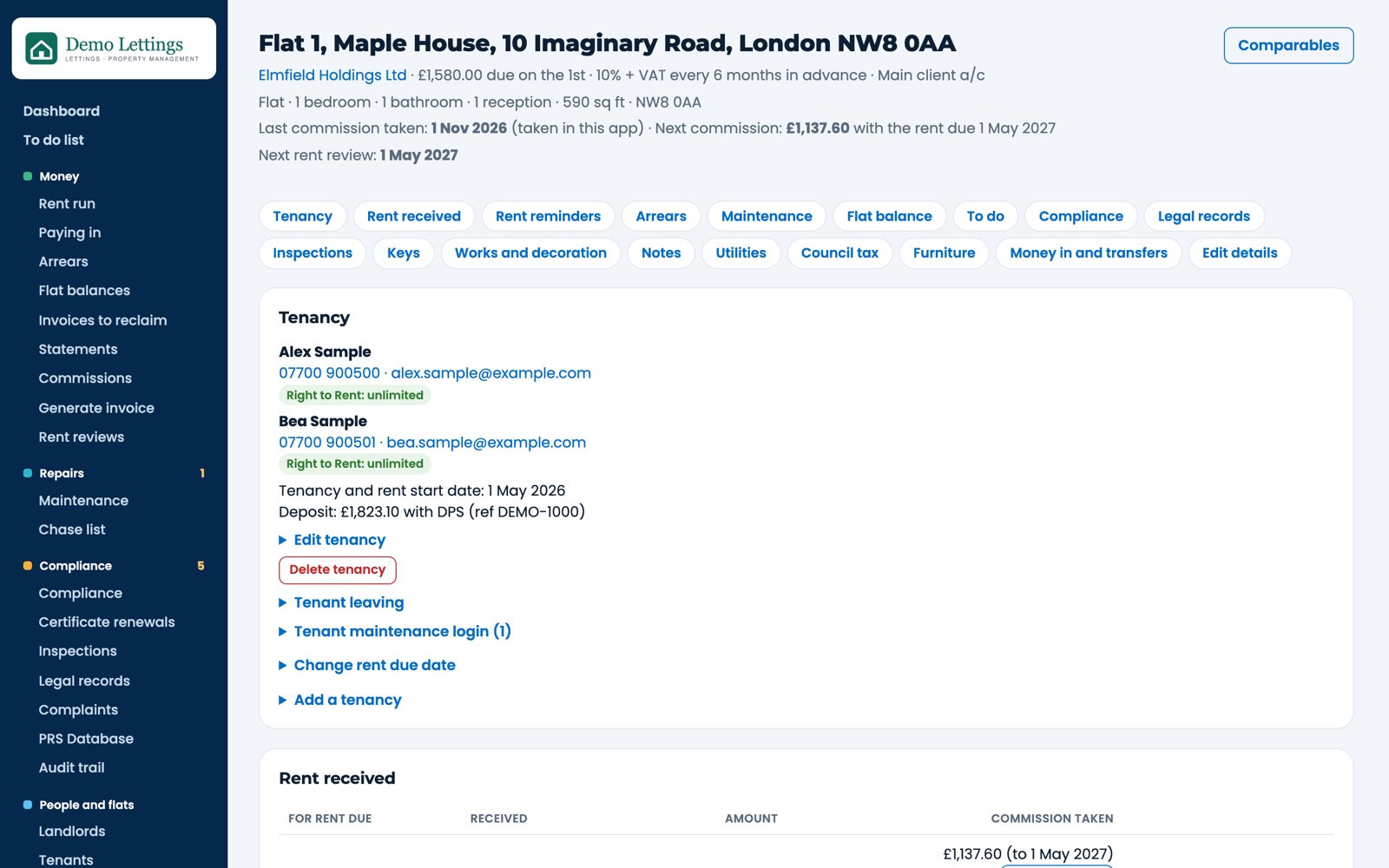
The tenancy, the people in it, the deposit, money in and out, certificates, keys, notes, utilities, furniture and works history, all together.
- Rent reviews shown 90 days ahead: hold the rent, or book an increase that starts itself on the date you choose
- Comparable rents saved against each property
- Keys: who holds which set and when it's due back
- Tenants leaving, move-out dates and vacant properties
Website listings
Advertise a vacant flat on your own website
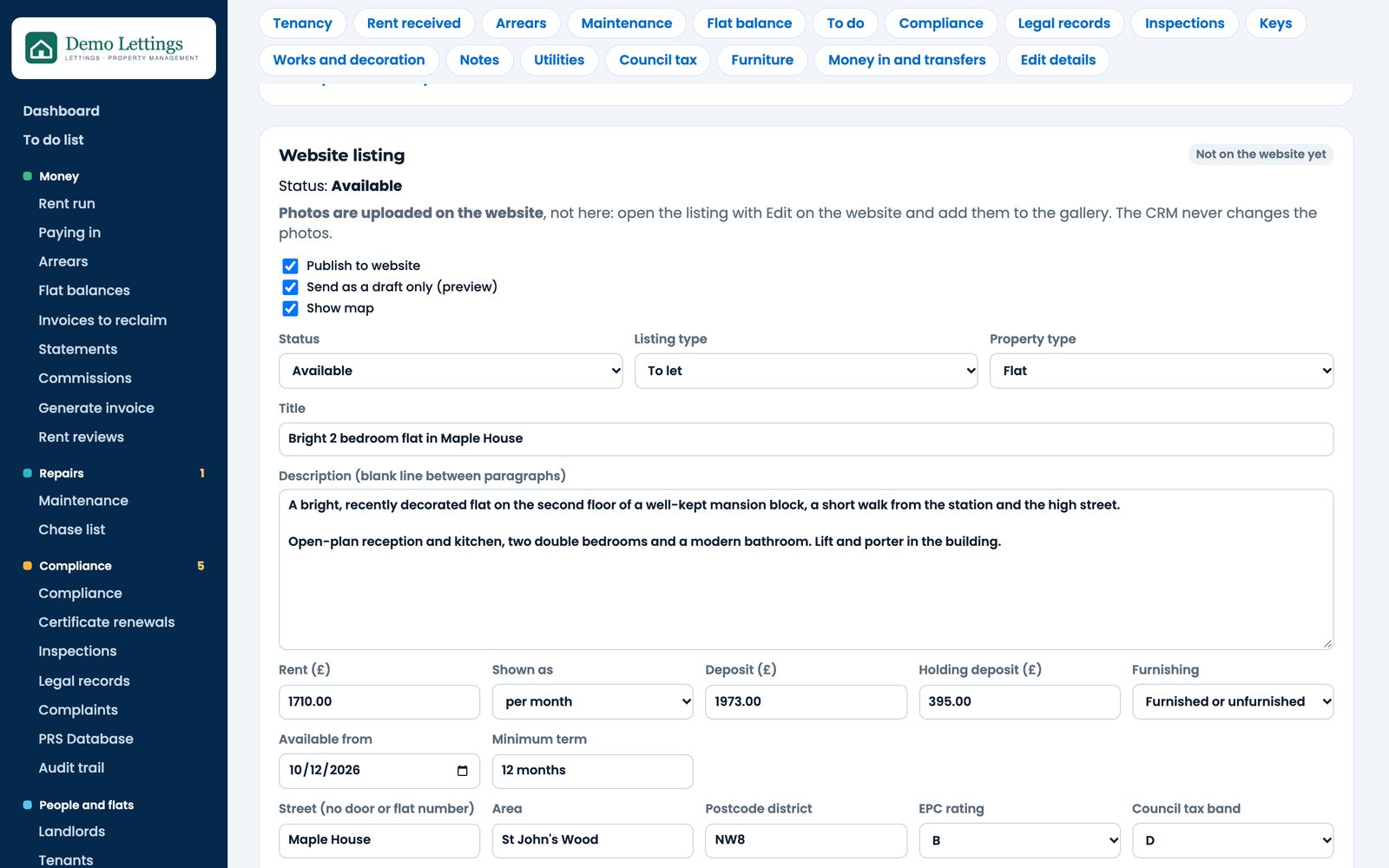
Type the advert once on the property page and Let IT sends it to your WordPress website. It goes as a draft first for you to check, and goes live when you say so.
- Rent, deposit, EPC rating and council tax band filled in from the property
- Status kept up to date: available, under offer, let agreed, or taken down
- Checks the advert is complete before it can go live
- Never sends a door number, landlord or tenant details
- Your photos stay on your website, exactly as you upload them
Portals
Tenant and landlord logins
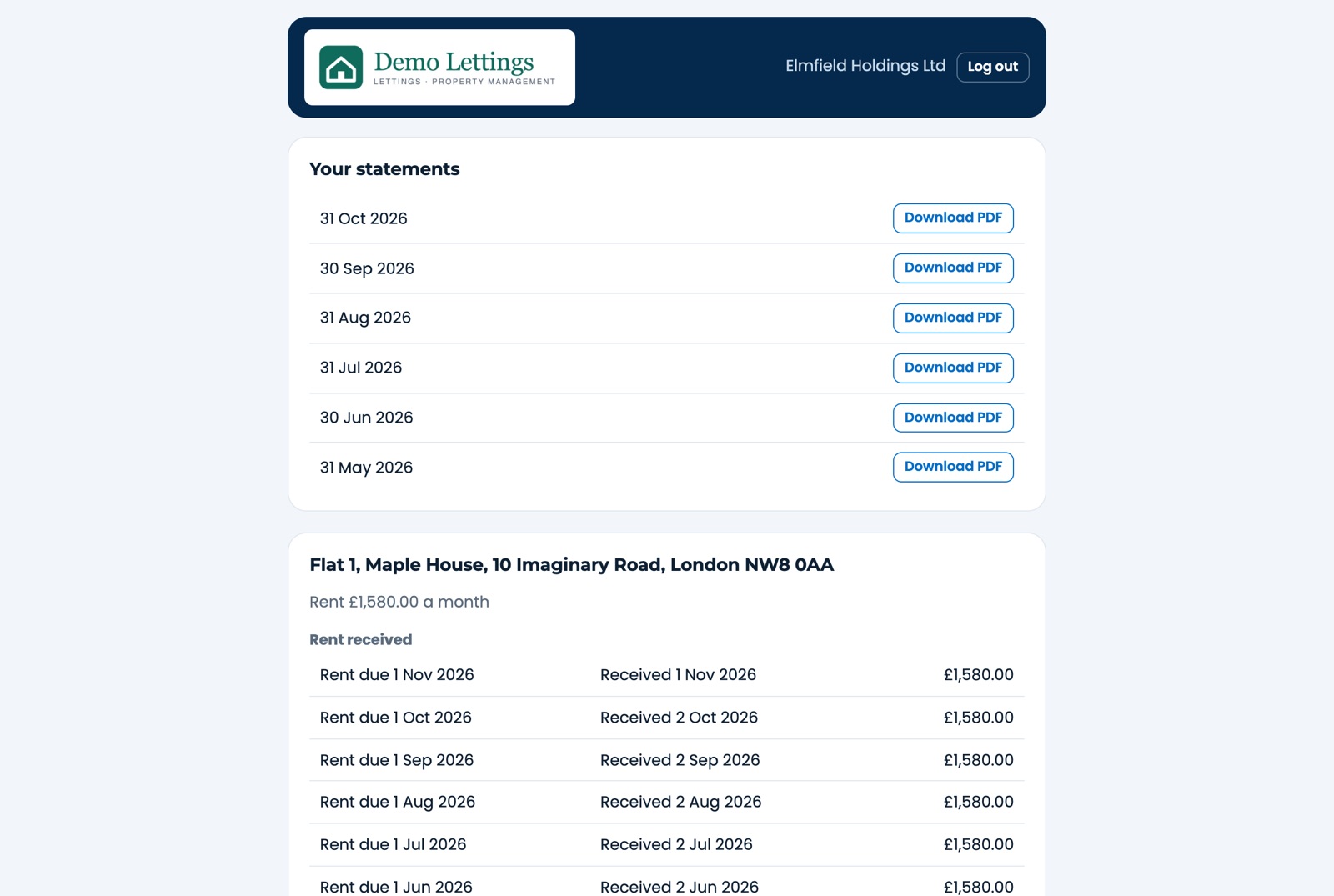
Tenants report repairs from their phone and follow them to completion. Landlords see their properties, statements and spending. Each person only ever sees their own home or their own portfolio.
- Invitation links you send from the property page
- Emergency contact details shown to tenants
- Landlord statements to download any time
Running the office
The day starts with a to do list
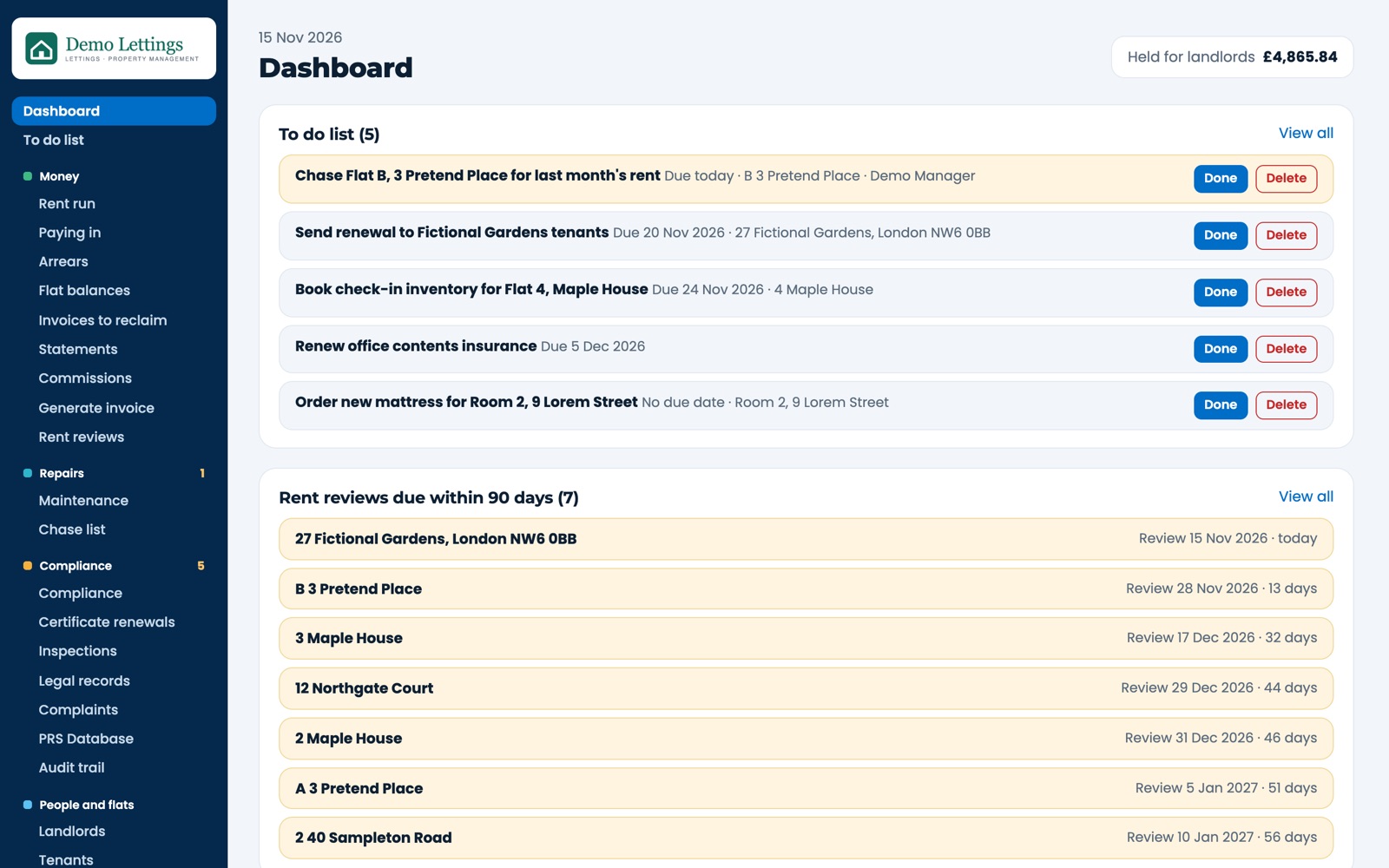
The dashboard shows what needs doing today, what's late, and what's coming. A morning email sends the team's to do list to everyone.
- Shared to do list with priorities, due dates and owners
- Audit trail of every change, on every property
- Import properties, landlords and tenants from a spreadsheet
- Download a full backup of your data at any time
- Two-factor login for every staff account, and one click to log everyone out of every device
See it working with your own lettings in mind
Book a 30-minute demo, or click around the live demo yourself first.